
SubbieTRAC Site
Your site team, on their phones.
The field companion to SubbieTRAC — roster and clock-in, licences and invoices, day labour and the day’s runs, and the money views for the people allowed to see them. Installable from the browser with no app store, and always the same record the office is looking at.
Everything in the Site app
01 / Roster
Everyone knows where they are tomorrow.
Each worker sees their own roster on their phone — the job, the shift, the time — and clocks in to it when they arrive. It updates the moment the office moves something.
- Day, week, month and timesheet views of their own roster
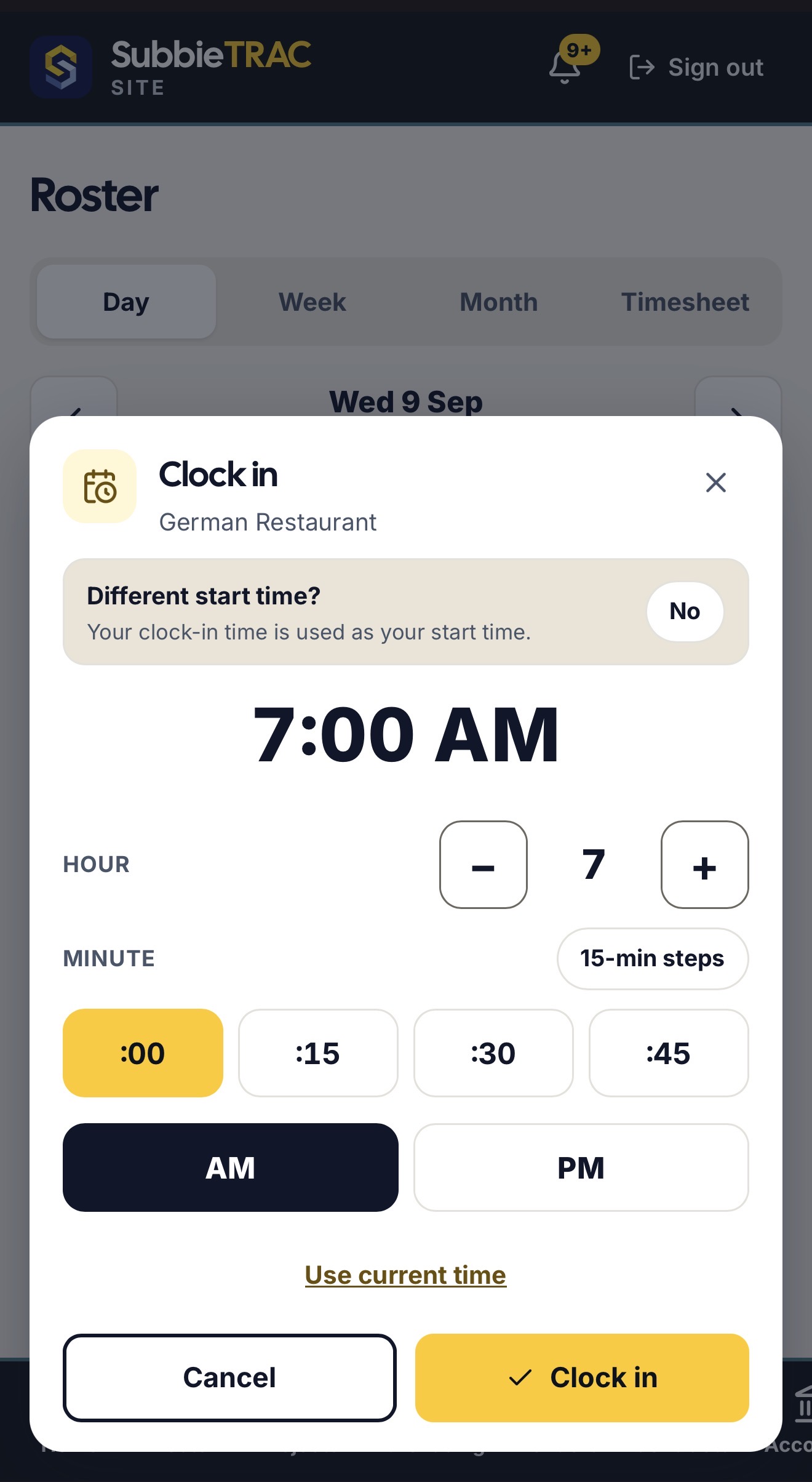
- Clock in and out on the day — start time in 15-minute steps, or use the current time
- “I’ll be there” and “Not available for this job”, so the office knows before the morning
- On this job: add a receipt, take site photos, write the site diary
- Changes arrive live, with a bell for anything that affects you — the same roster the office plans on

02 / Licences & invoices
Licences in. Invoices out. From the phone.
The paperwork that used to arrive by text message and get lost — a worker’s tickets and their invoice — now comes through the app, into the office.
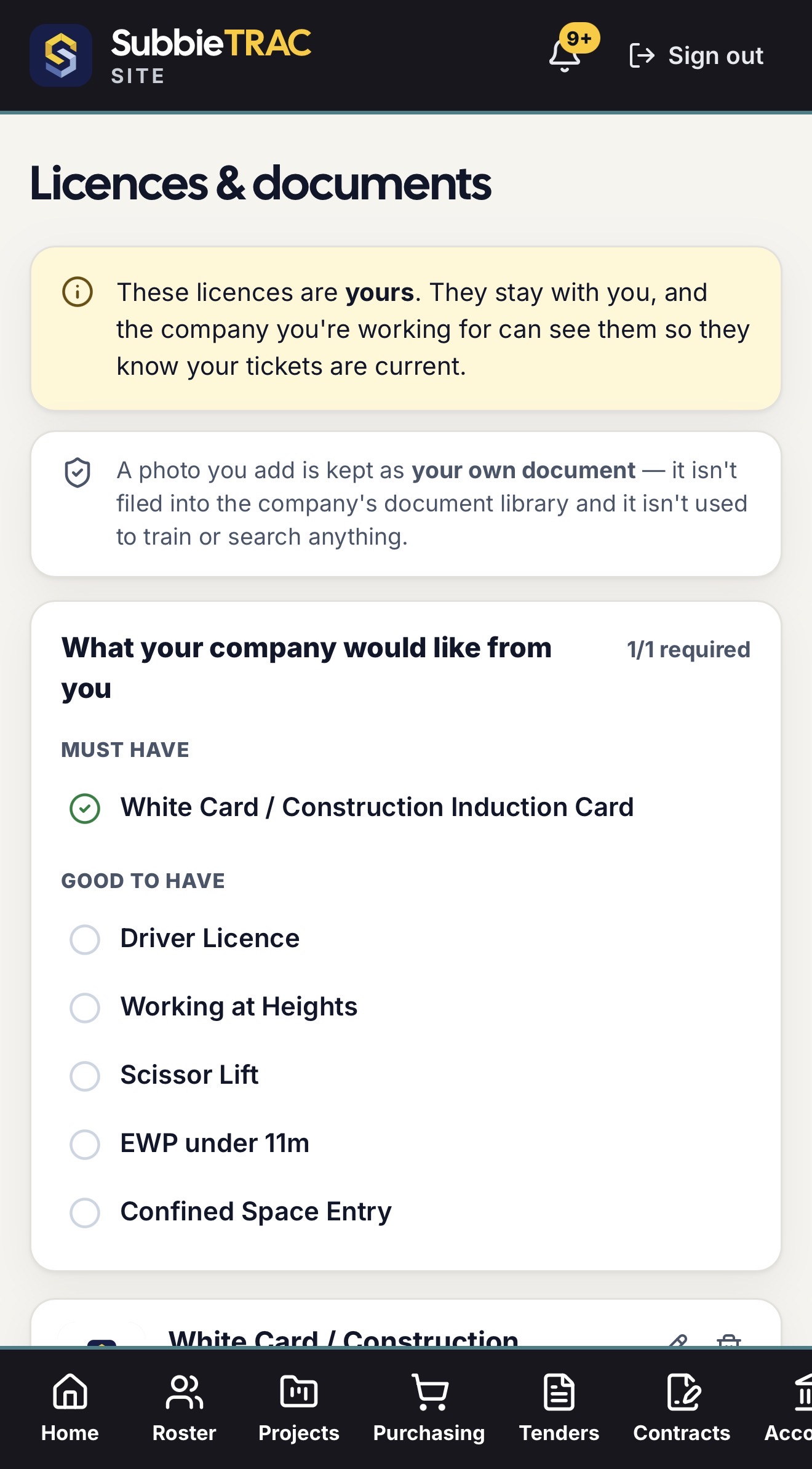
- Their licences and tickets, uploaded from the phone — the office sees they are current, and a must-have or good-to-have list says what the company would like
- The licences are theirs: they stay with the worker, and a photo they add is their own document, not filed into the company library and never used to train or search anything
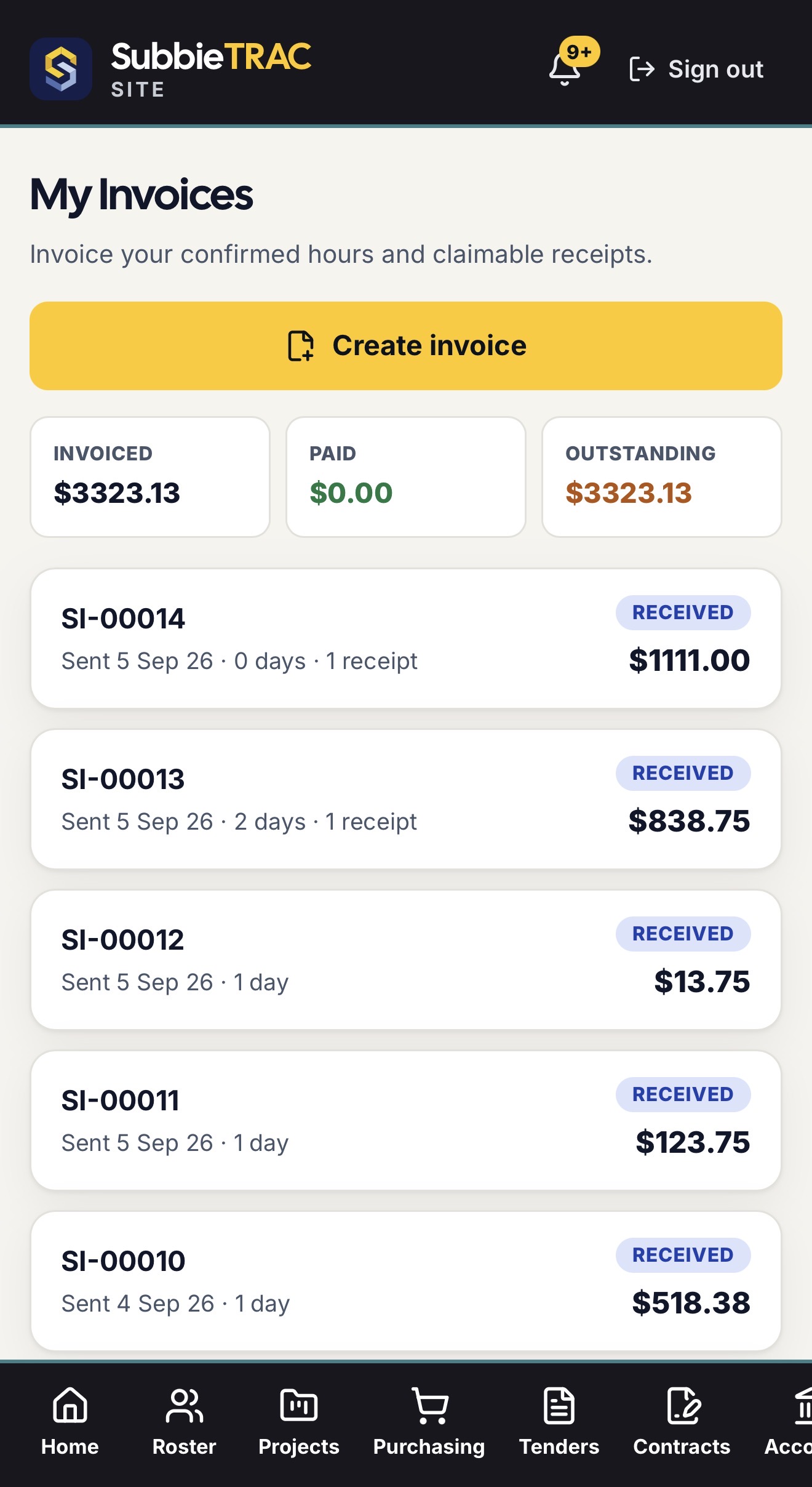
- An invoice built from their confirmed hours and claimable receipts, sent from the phone with a Received badge when the office has it
- Invoiced, paid and outstanding at the top; each invoice with its days and receipts
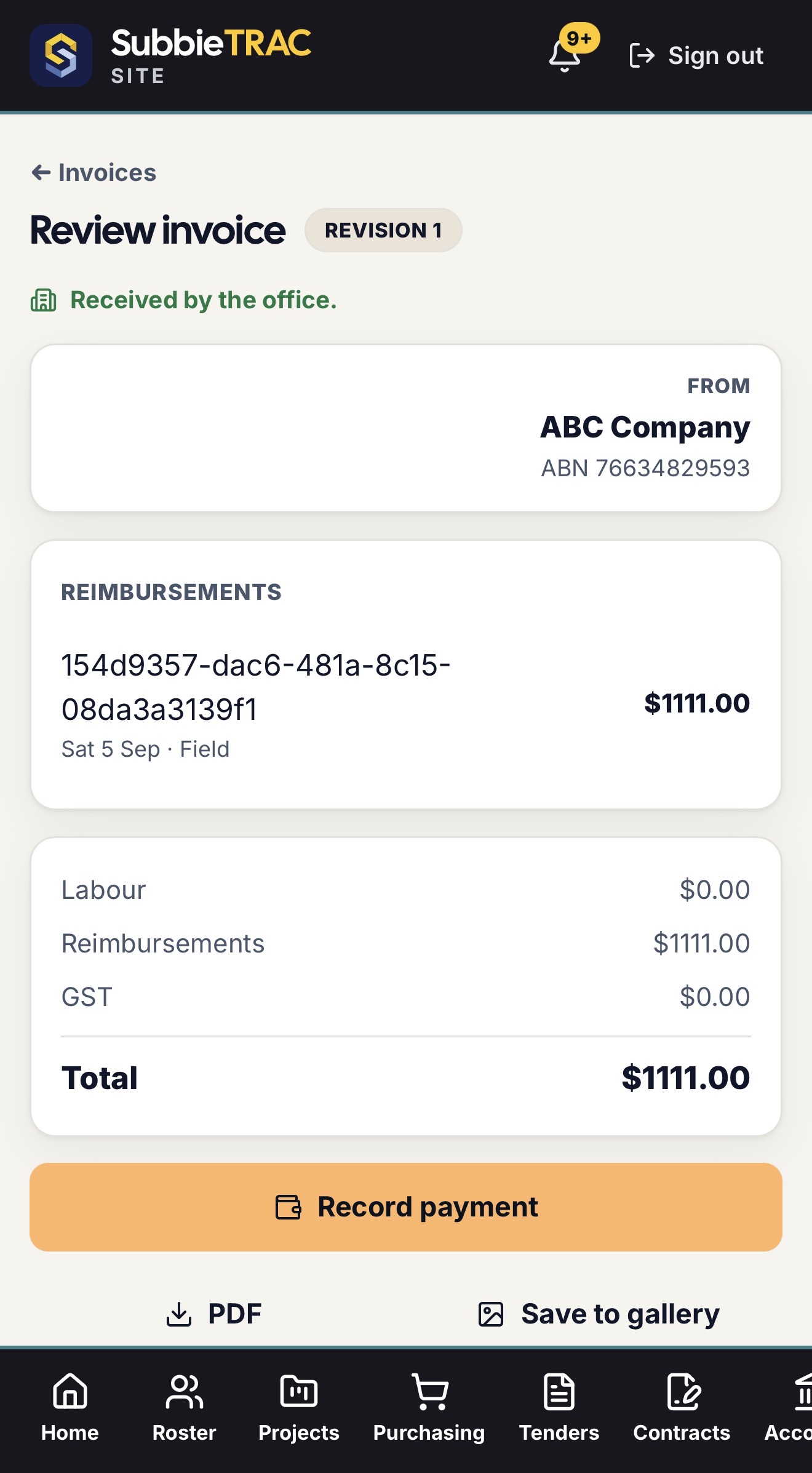
- The review screen — labour, reimbursements, GST and total — with the PDF, Save to gallery, and Record payment
03 / On the job
Record it where it happens.
Extra hours signed for on site, a variation read as the office issued it, the day’s runs on the driver’s phone — captured where it happens, priced and filed in the office.
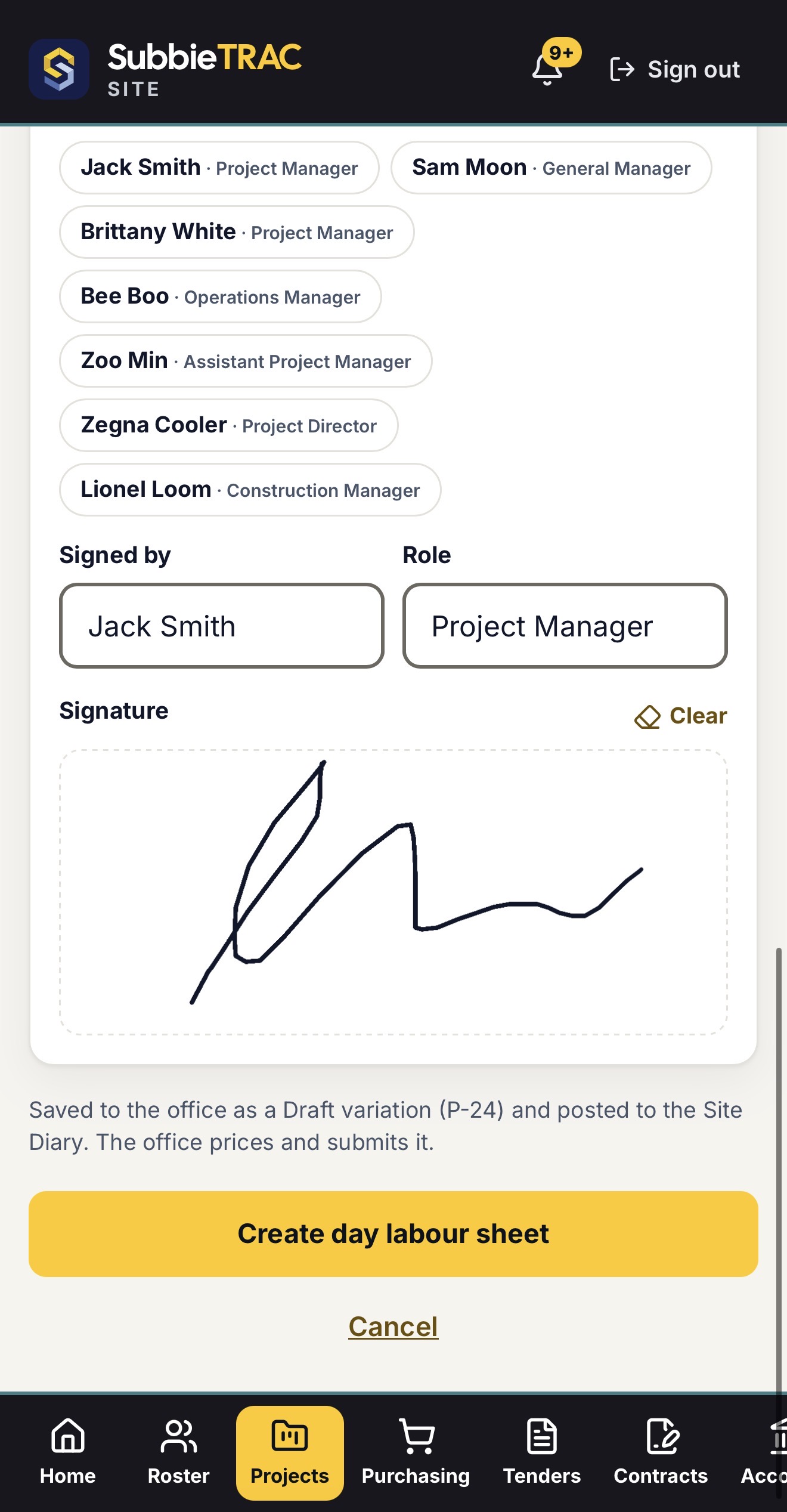
- Day labour sheets — pick who is signing from the client’s own team, their role, and sign on the screen
- Saved to the office as a draft variation and posted to the Site Diary; the office prices and submits it
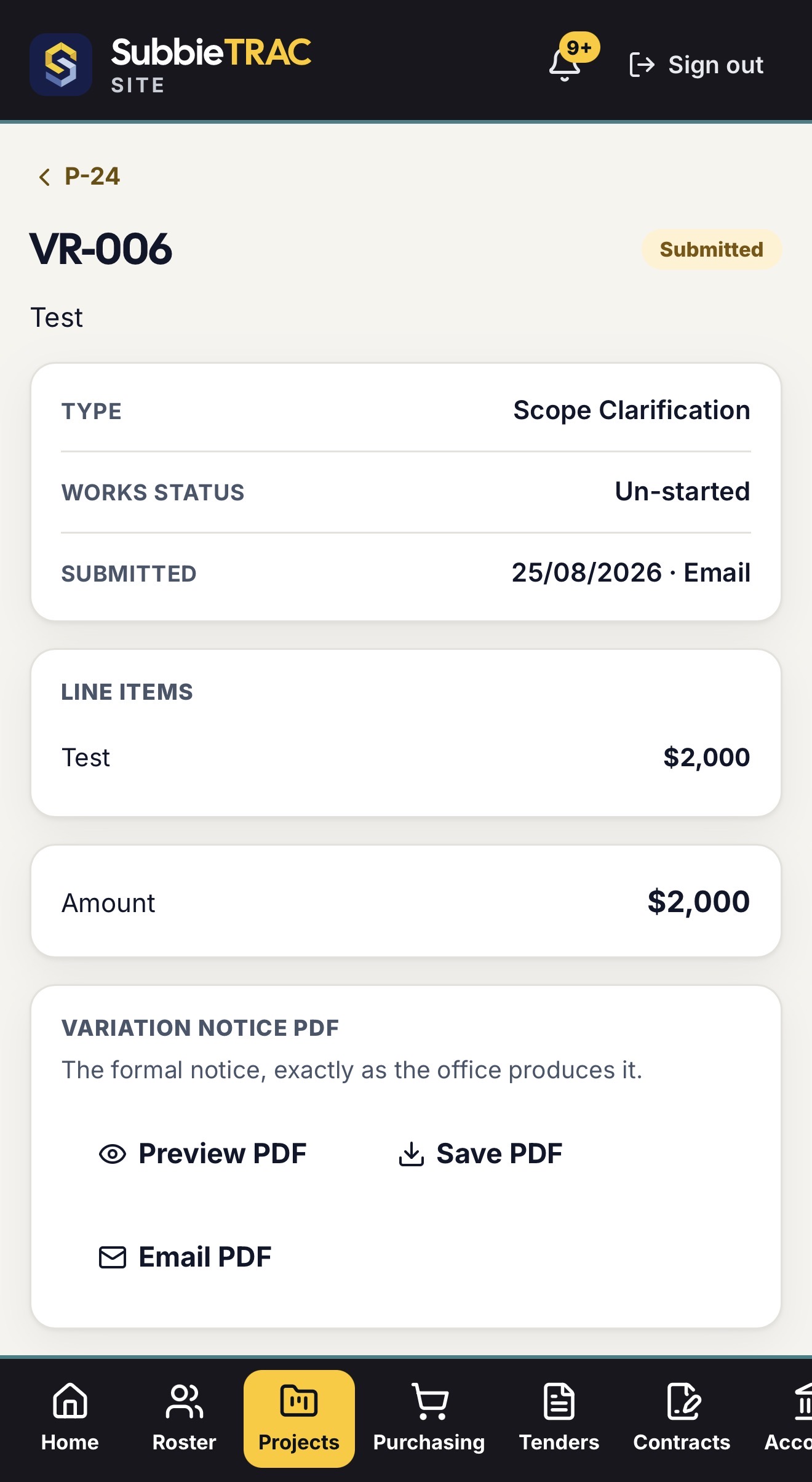
- Each variation on the phone — type, works status, when and how it was submitted, its line items — and the formal notice PDF exactly as the office produces it, to preview, save or email
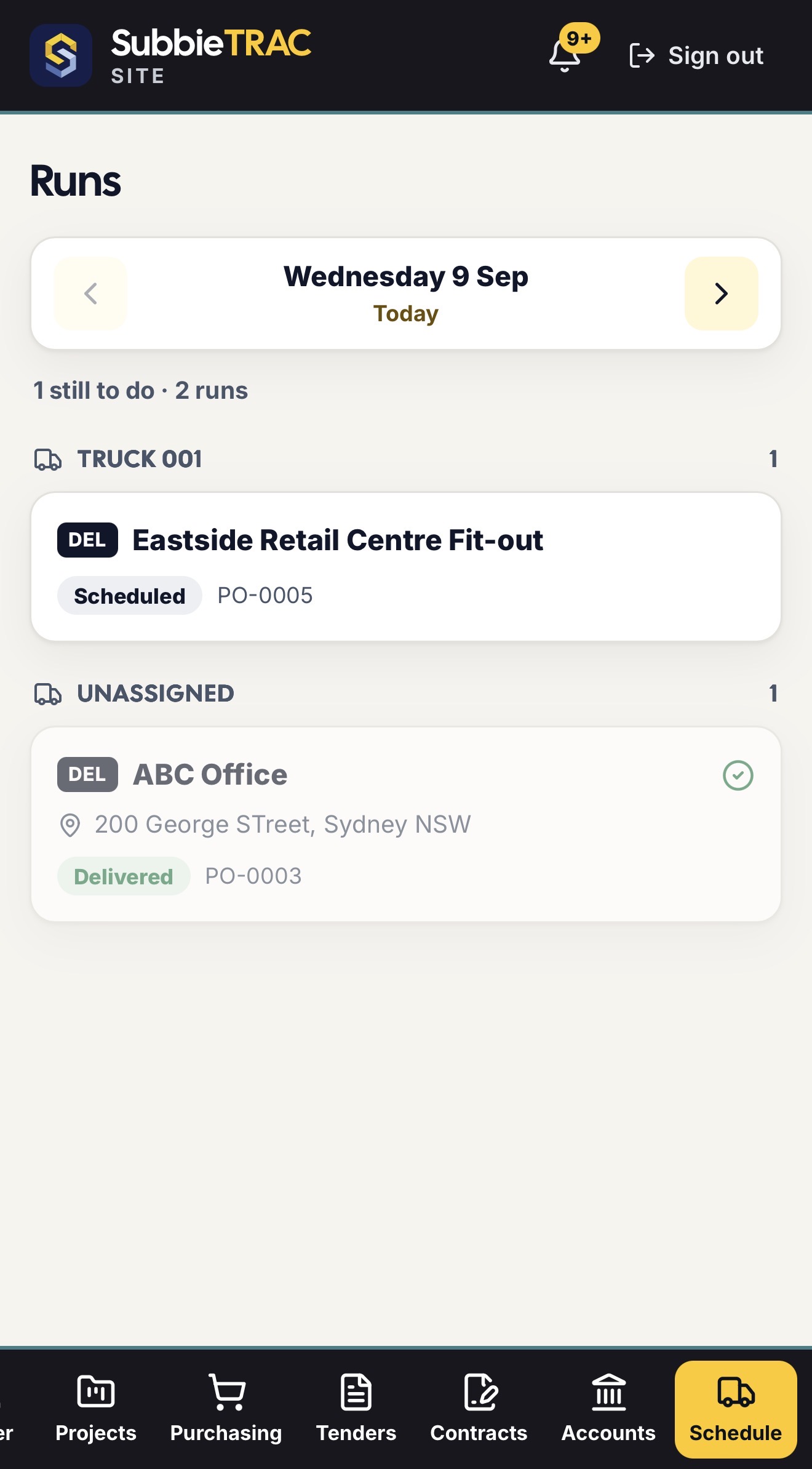
- Runs — the day’s deliveries and pickups by truck, with a tick as each one is delivered
- Each project on the phone — its variations, roster, assets on site, open defects, diary and documents
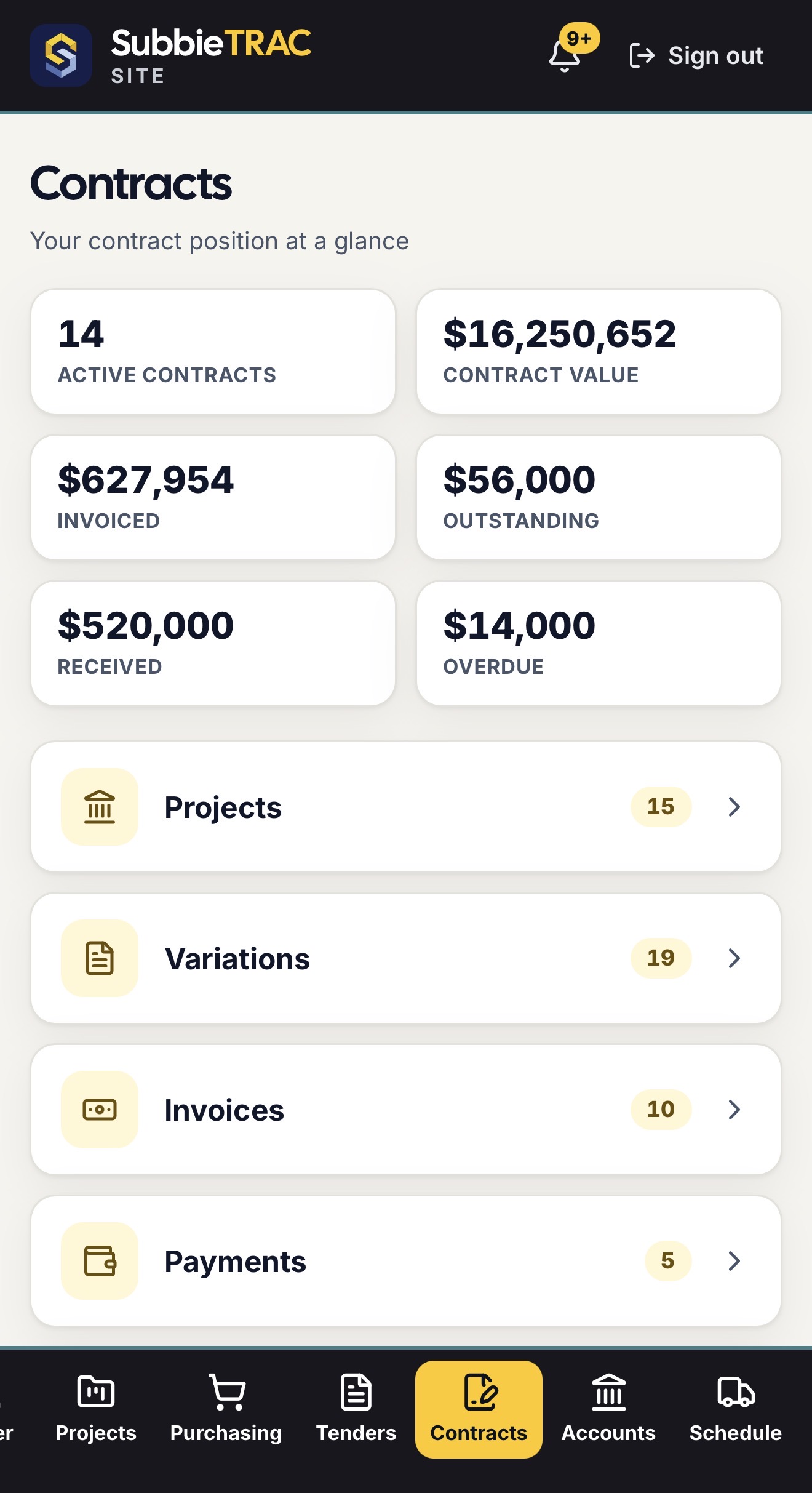
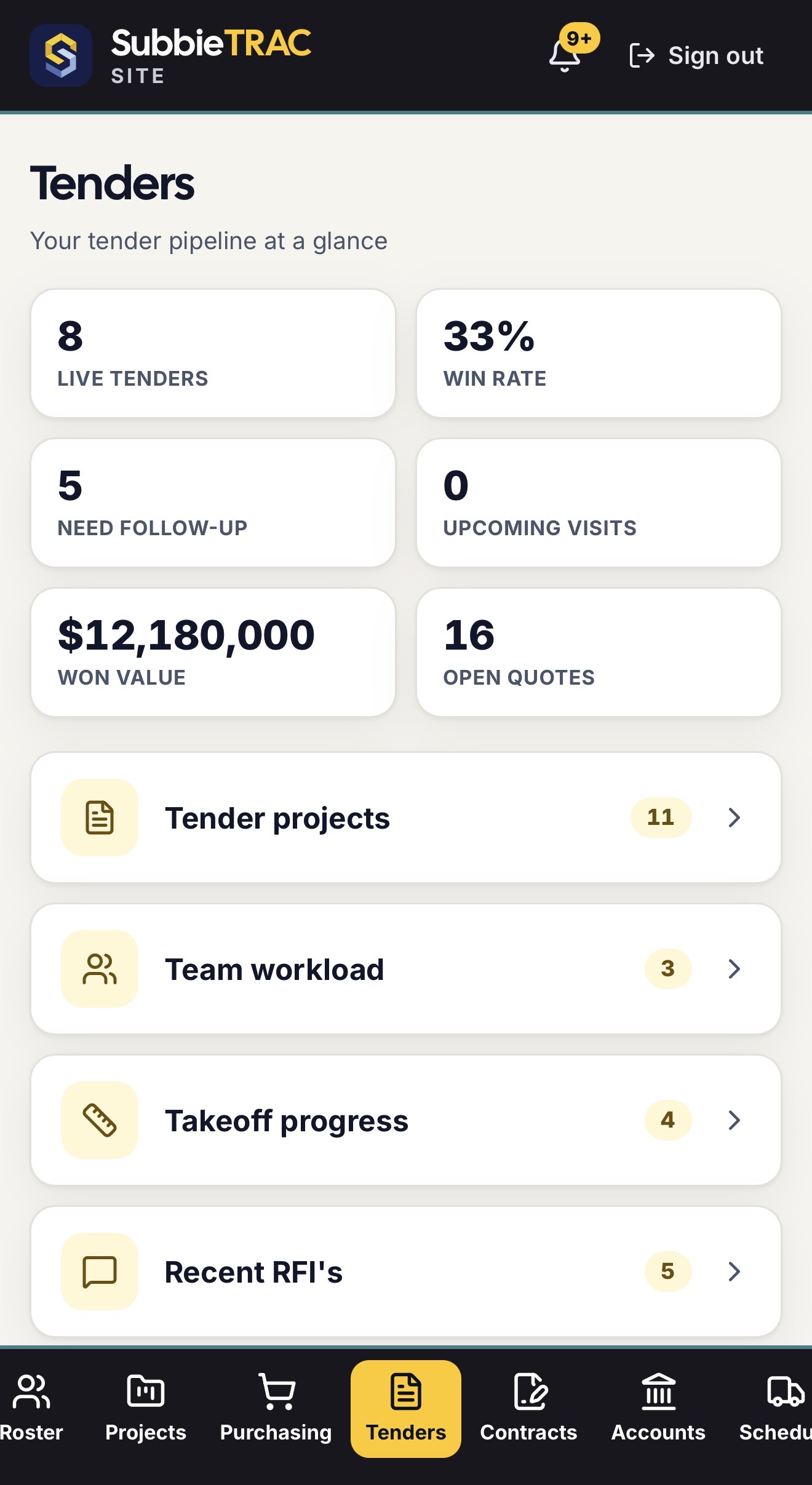
- Contracts and Tenders money views for the people allowed to see them

04 / Control
Each person sees exactly what you decide.
The Site app is the same system as the office, with the office deciding who sees which part of it.
- Sections granted per role — Roster, Projects, Purchasing, Tenders, Contracts, Accounts, Schedule
- A financial on/off switch on each, so a worker sees the job and not the money
- A site-only login that never reaches the office app; a Driver role that gets the runs
- Switching someone off takes their site access with it
- Installable from the browser — no app store, and updates arrive on their own
Ready to put the site on the same page?
Give your team the roster, their licences and their invoices in one app — and the office one record of all of it.
No credit card required. We’ll set up your account and send your login details.